



0K+
Prompts Perfected
Join a global community of creators. From viral social posts to professional design briefs, our Image to Prompt AI has fueled a quarter-million creative ideas.
No account? No problem. Just upload and go. Trusted by 44k+ creators worldwide.
Fast, simple and100% Free to start
Stop struggling with blank page syndrome. Whether you're using Google Gemini, Midjourney, or ChatGPT, our AI reads your image like a professional artist—capturing lighting, mood, and detail to deliver a Gemini AI Photo Prompt in under 3 seconds.
Restoring session...
or drag & drop PNG, JPG, or WEBP
No image?Try one of these:
By uploading an image or URL you agree to our Terms of Service. To learn more about how remove.bg handles your personal data, check our Privacy Policy.
0K+
Prompts Perfected
Join a global community of creators. From viral social posts to professional design briefs, our Image to Prompt AI has fueled a quarter-million creative ideas.
0K+
Images Transformed
We have read everything from complex architectural mockups to simple product shots. Our engine specializes in generating the most accurate Google Gemini AI Photo Prompts available today.
0+
AI Models Supported
Generate once, use everywhere. Your prompts are instantly compatible with ChatGPT, Gemini, Grok, Leonardo, Midjourney, and more. One tool, infinite destinations.
How It Works
Why spend hours learning prompt engineering when our AI can do it in seconds? Our streamlined workflow is designed for speed and precision. Whether you’re on the free plan or using our Bulk Image to Prompt feature, the process remains as easy as 1-2-3.
Bring Your Inspiration to Life. Drag and drop your files or pick a photo from your gallery. We support JPG, PNG, and WebP. For the best results, use clear images with good lighting—the more detail our AI can see, the better your Gemini AI Photo Prompt will be.
Let the AI Do the Heavy Lifting. Click once and watch the magic happen. Our advanced AI Image Prompt Generator deep-scans your image to identify subjects, lighting styles, artistic moods, and camera angles. You can even edit the text before you finalize it to add your personal "soul" to the prompt.
Ready for ChatGPT, Gemini, & More. One click to copy your prompt to your clipboard and paste it into your favorite AI tool. Want to keep a library of your best work? Log in to save your prompts for future use, so you never have to regenerate the same style twice.
Features
Describes subject, lighting, mood, and style in plain text. Edit the output before you copy.
Standard formats. No weird converters—just upload and go.
Most images get a prompt in a few seconds. No long queues.
One-click copy. Log in to save prompts you want to reuse.
Images are used only to generate the prompt. Delete saved prompts anytime.
Use the site or the Chrome extension with one login and shared saved prompts.
Example Results
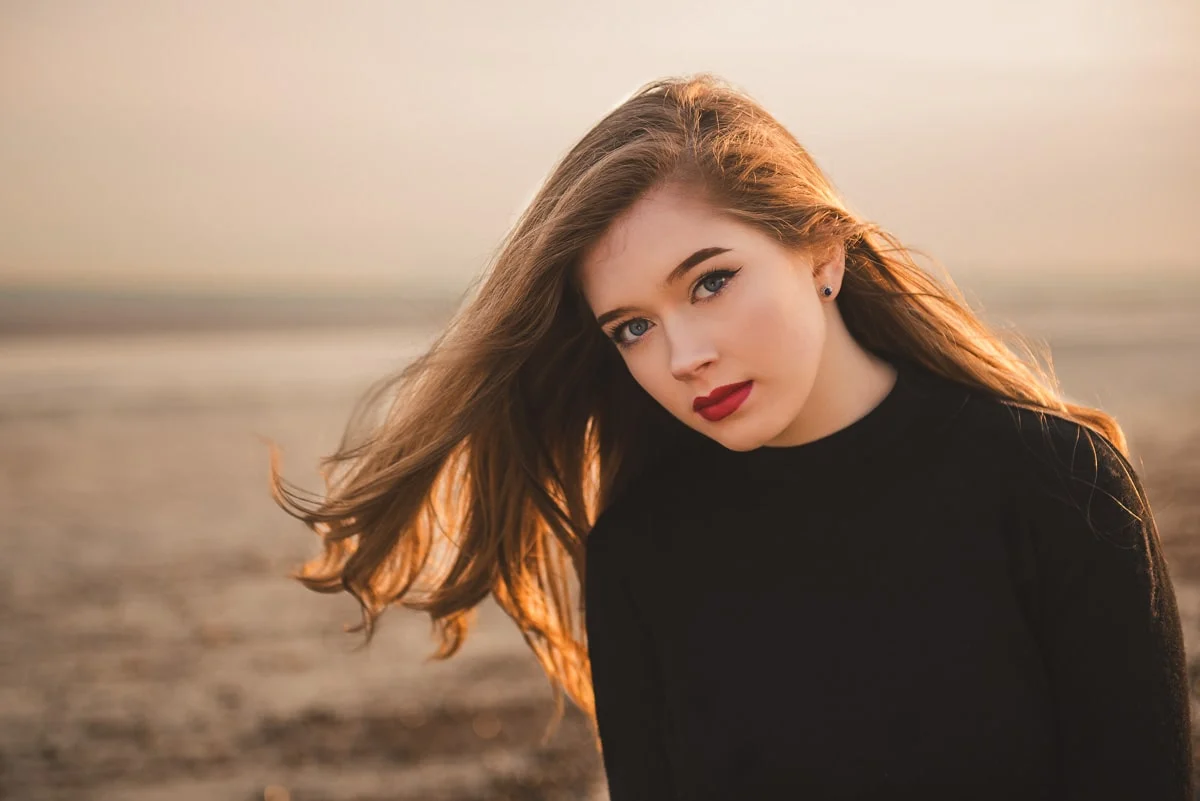
Fashion editorial portrait: posed figures, natural or studio lighting, contemporary style, clean background, editorial composition, lifestyle magazine aesthetic.
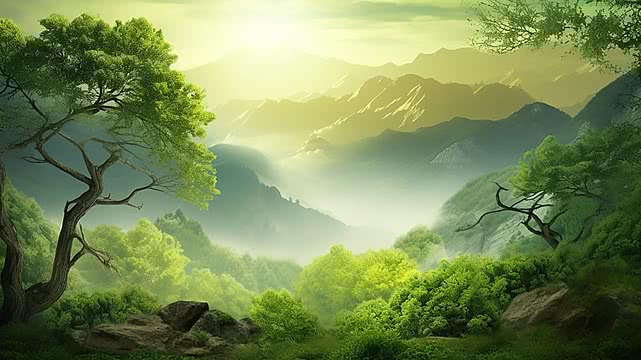
Ethereal forest landscape: dappled sunlight through canopy, lush greenery, ecological atmosphere, golden hour light rays, nature documentary style, sense of scale and depth.
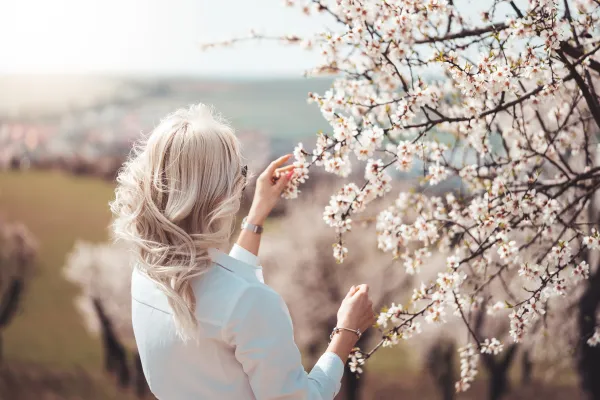
Spring scene: woman contemplative among almond blossom trees, soft bokeh, pastel palette, editorial lifestyle photography, delicate floral backdrop, serene mood.
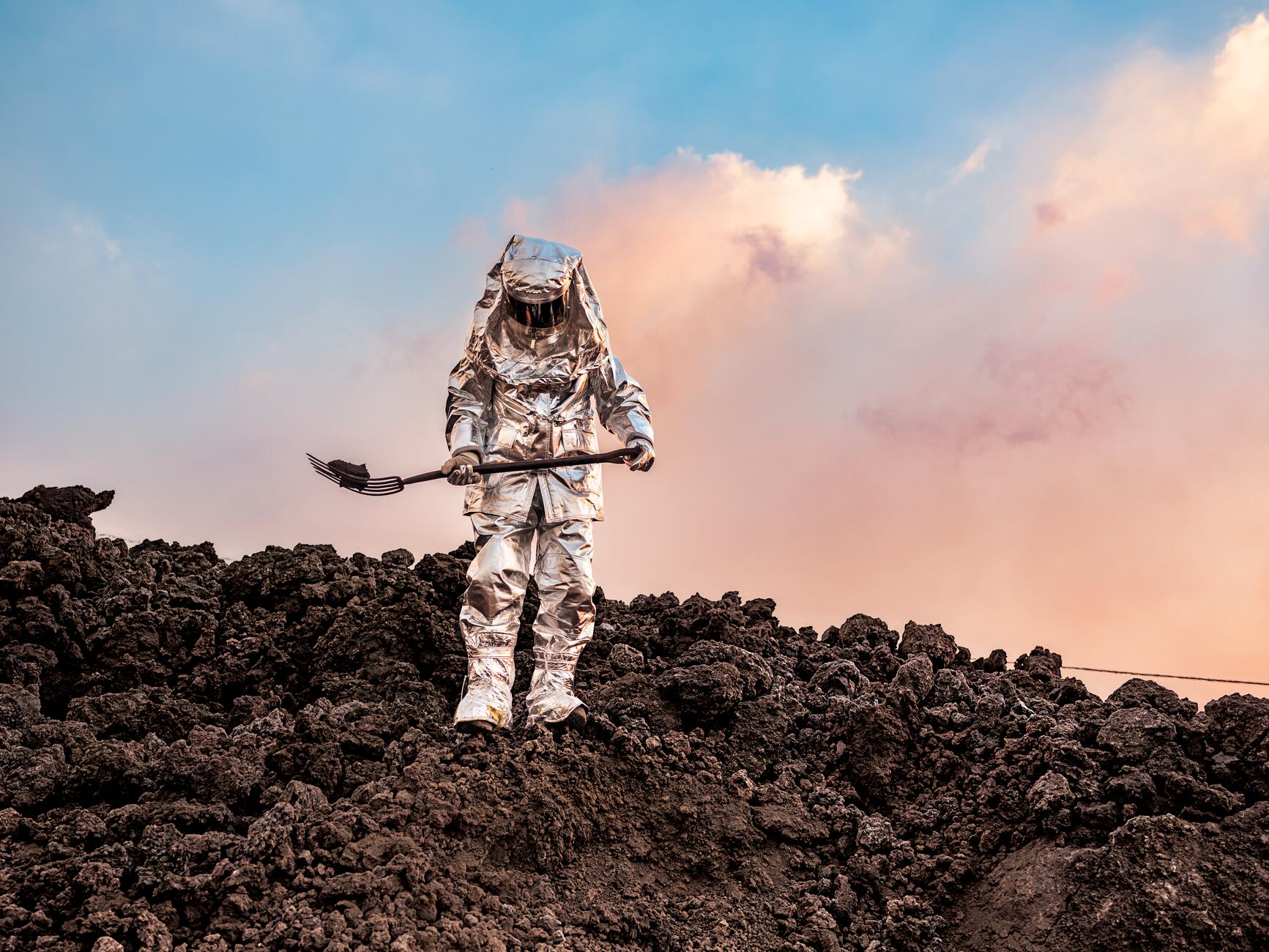
Dramatic volcanic landscape: aerial perspective, lava flows or crater detail, cinematic scale, dramatic lighting, earth tones and ash, documentary geography style.
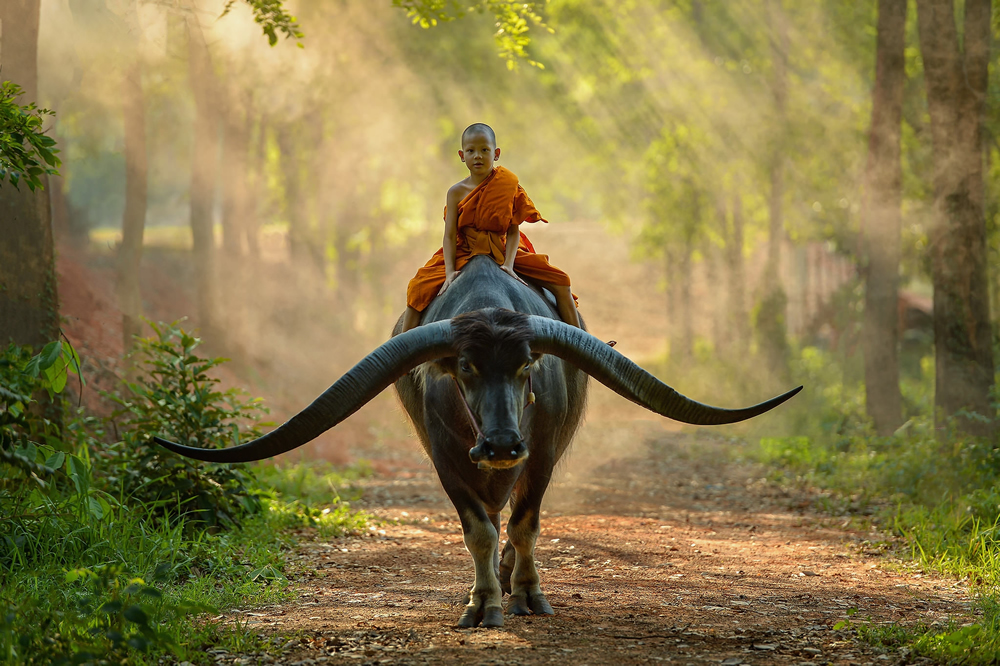
Stunning nature photography: vibrant colors, sharp detail, striking composition, golden hour or blue hour, landscape or wildlife emphasis, high-impact visual.
Use Cases
Feed a reference image into this image to prompt converter, get a text prompt, paste into Midjourney or DALL·E for variations.
Screenshot a UI or moodboard, convert image to prompt online, use the text to brief ChatGPT or another AI for new concepts.
Product shots, thumbnails, or reference pics → prompt in seconds. Reuse for captions, briefs, or more AI images.
Environment or character art as input. Get a prompt you can tweak for Stable Diffusion, Leonardo, or similar.
Have an image but need the words? Free image to prompt converter: upload, copy the prompt, paste into ChatGPT or Gemini.
Product photos and brand visuals → consistent prompt briefs. Same style language across campaigns.
Turn product photos into prompt-ready descriptions for variations, background swaps, and consistent catalog imagery.
Translate visual references into clear creative prompts so multiple teams can align on style and tone.
The image to prompt generator does the describing. You edit and paste where you need it.
If you can upload a photo, you can get a usable prompt. Tweak the text if you want more control.
Convert image to prompt online in the browser. Upload, generate, copy. Optional Chrome extension for capture-from-tab.
Try the free image to prompt converter with no signup. Upgrade when you need more generations or saved prompts.
Simple pricing for the image to prompt generator. Save when you pay yearly; switch plans anytime from your profile. Showing USD pricing for your region.
$0.00/mo
Billed monthly in USD
For hobby projects and trying out
$20.00/mo
Billed monthly in USD
For serious creators and teams
We have a top-up credits feature for one-time add-ons whenever you need extra prompts.
Yes. You can use the free image to prompt converter without signing up. Paid plans give you more generations and saved prompts.
Copy the prompt from our tool and paste it into Midjourney's /imagine box, DALL·E's prompt field, or any text-to-image AI. You're generating a text description from your image—that text is what you paste. Add style words (e.g. 'oil painting', 'cinematic') if you want. The prompt is yours to edit before you use it.
Any tool that takes a text prompt: ChatGPT, Midjourney, DALL·E, Gemini, Stable Diffusion, Leonardo, Runway. Plain language, so you can paste and tweak.
Images are used only to generate the prompt. We don't keep them. Saved prompts are stored in your account; you can delete them anytime.
The prompts you generate are yours. Check the terms of whatever you paste them into (Midjourney, OpenAI, etc.) for commercial use.
JPG, PNG, WebP. Big files may be resized. Clear, well-lit images give better prompts than tiny or heavily compressed ones.
Depends on the image. Clear subject and good lighting usually get a solid prompt. You can edit the text before copying.
No. Free plan works without sign-in. Sign in to save prompts, get higher limits, and use the Chrome extension with history.
Yes. Use the site in your mobile browser—upload from camera or gallery, generate, copy. Chrome extension is for desktop (capture from any tab).
Annual is cheaper (e.g. save 20%). Same features. Change or cancel from your profile.
Blurry images, cluttered scenes, or very low contrast can lead to vaguer prompts. Try a clearer reference image, crop to the main subject, or add a few words after generation to specify style, mood, or lens (e.g. "cinematic", "flat lay").
Depending on your plan, bulk or batch features may be available. Check the pricing page and your account for limits. For single-image workflow, generate one prompt per image and use "Save" to build a library.
Yes. The extension lets you capture an image from the current page and send it to the converter, then copy or save the prompt without leaving your workflow. Install it from the Chrome extension or product page.
Use clean product shots with simple backgrounds and even lighting. The tool will pick up objects, materials, and composition. You can then add terms like "white background", "lifestyle shot", or "hero image" in the generated text before copying.
Generated prompts are typically in English, which works well for most AI image models. You can paste the result into a translator or edit the text into another language if your target tool supports it.
When you reach your plan's limit, you'll need to wait until the limit resets (e.g. monthly) or upgrade for more generations. The interface will show your usage so you can plan accordingly.
Saved prompts are stored in your account. You can copy any prompt to share via email, docs, or team tools. Bulk export options may be available on higher plans; check the app or help for current features.
The converter uses AI to turn the image into structured prompt text (subject, style, lighting, composition) in one step. That's faster than writing from scratch and keeps wording consistent. You still have full control to edit before using the prompt elsewhere.
Guide
What an image to prompt converter does, why it's useful, and how to get the most from it. Plain language, no jargon.
An image to prompt converter is a tool that turns a picture into text. You upload an image; it gives you a written description you can paste into ChatGPT, Midjourney, DALL·E, or any AI that takes a text prompt. No more staring at a photo trying to phrase every detail—the image to prompt AI does the describing.
Why it helps: the better your prompt, the better the result. Vague prompts get generic outputs. A good free image to prompt converter turns what you see (subject, lighting, style, mood) into clear sentences so your first try is already usable.
Lots of people have a reference image in their head or on their screen but find it hard to write the prompt. You know the look you want; putting it into words is the bottleneck. An image to prompt generator reads the image and writes the words for you.
Same idea for teams: one person's "warm, minimal product shot" is another's "soft light, white background." Convert image to prompt online once, and everyone works from the same description. Fewer revisions, more consistent briefs.
Pick a clear image—product shot, screenshot, moodboard, or reference. Upload it here, click generate, then copy the text. You can edit the prompt before pasting it into Midjourney, ChatGPT, or wherever. That's the core flow.
For repeat work, save the prompts you like. Build a small library so you're not regenerating the same kind of brief every time. Many users do one pass with the image to prompt converter, then tweak a few words for brand or style.
Strong prompts usually cover: what's in the scene, the style (e.g. cinematic, flat lay), lighting, and mood. You don't need to be a prompt engineer—an image to prompt converter drafts that structure from your image. You can then add or remove detail (e.g. "oil painting," "wide angle") to get the output you want.
If the first result feels too generic, try a clearer or simpler source image, or add a line after the generated text. The tool gives you a solid first draft; you keep control of the final wording.
Writing prompts from scratch is flexible but slow. Describing every image by hand doesn't scale when you're doing lots of assets or iterations. A converter gives you a starting prompt in seconds, so you spend time editing instead of typing from zero.
A common pattern: use the free image to prompt converter to get the base description, then adjust for your brand, campaign, or audience. You get speed and consistency without giving up control.
We use your image only to generate the prompt. We don't keep the image. Saved prompts live in your account; you can delete them anytime. We use HTTPS, normal auth, and try to keep the page and generation fast so you're not waiting mid-session.
If you care about data handling, check our privacy policy. The short version: images aren't stored for the long term; you own your prompts.
Anyone who needs to go from image to text prompt: AI artists, designers, content creators, marketers, game or concept artists. If you often have a reference image and need a prompt for Midjourney, ChatGPT, or another tool, convert image to prompt online here and paste the result.
It's also useful when several people need to share the same "brief" for a visual. One image, one generated prompt, same language for the whole team.
Trust
We use them only to generate the prompt. Saved prompts are in your account; you can delete them anytime.
HTTPS, normal login, and stable sessions so your data stays protected.
Most prompts ready in seconds. No long waits so you can keep working.
Reviews
Uploaded a moodboard, got a clean prompt in seconds. The image to prompt converter nailed the lighting and composition details. No more staring at reference images wondering how to phrase it.
I use this for ecommerce visuals. Clean product photo in, structured prompt out. Paste into DALL·E or Leonardo and tweak. Consistent briefs across our team now.
Tried without signing up—worked perfectly. Then signed in to save prompts. Chrome extension is great for grabbing refs from design tabs. Five stars.
Other tools overcomplicate. This one: upload, generate, copy. Prompt quality is solid. I edit a few words before pasting into ChatGPT. Does exactly what it says.
Feed it a character or environment sketch, get a prompt I can refine for Stable Diffusion. Saves so much time compared to writing from scratch.
Used it from my phone—upload from gallery, generate, copy. No account needed to try. Exactly what I needed for quick social content prompts.
Clear images give clear prompts. Fast, no weird outputs. Use it daily for design briefs. The free image to prompt converter is genuinely useful.
Paste the prompt into any AI. Works with Gemini, ChatGPT, Midjourney. One tool, many destinations. Saves prompts to my account for repeat use.
No fluff, no jargon. The converter describes what it sees—subject, style, mood. I add brand terms and paste. My go-to for image-to-text prompts.
Uploaded a moodboard, got a clean prompt in seconds. The image to prompt converter nailed the lighting and composition details. No more staring at reference images wondering how to phrase it.
I use this for ecommerce visuals. Clean product photo in, structured prompt out. Paste into DALL·E or Leonardo and tweak. Consistent briefs across our team now.
Tried without signing up—worked perfectly. Then signed in to save prompts. Chrome extension is great for grabbing refs from design tabs. Five stars.
Other tools overcomplicate. This one: upload, generate, copy. Prompt quality is solid. I edit a few words before pasting into ChatGPT. Does exactly what it says.
Feed it a character or environment sketch, get a prompt I can refine for Stable Diffusion. Saves so much time compared to writing from scratch.
Used it from my phone—upload from gallery, generate, copy. No account needed to try. Exactly what I needed for quick social content prompts.
Clear images give clear prompts. Fast, no weird outputs. Use it daily for design briefs. The free image to prompt converter is genuinely useful.
Paste the prompt into any AI. Works with Gemini, ChatGPT, Midjourney. One tool, many destinations. Saves prompts to my account for repeat use.
No fluff, no jargon. The converter describes what it sees—subject, style, mood. I add brand terms and paste. My go-to for image-to-text prompts.