





0K+
prompts generated
Including plenty of Gemini photo prompts for product shots, social content, and creative briefs.
Need a Gemini prompt but have an image? Upload the image, get a text prompt, paste it into Google Gemini. Same tool—free to try.
Fast, simple and100% Free to start
Upload any image and get a Gemini prompt—a text description you can paste into Gemini for image generation, chat, or follow-up.
Restoring session...
or drag & drop PNG, JPG, or WEBP
No image?Try one of these:
By uploading an image or URL you agree to our Terms of Service. To learn more about how remove.bg handles your personal data, check our Privacy Policy.
0K+
prompts generated
Including plenty of Gemini photo prompts for product shots, social content, and creative briefs.
0K+
images analyzed
Photos and screenshots turned into AI-ready text for Gemini and other tools.
0+
AI tools supported
Gemini, ChatGPT, Midjourney, DALL·E, and more. One prompt, many places.
How It Works
Upload your image, click generate, then copy the prompt. Paste it into Gemini (or any AI). Your credits and saved prompts stay in sync with your account.
Any photo: JPG, PNG, WebP. Clear images give the best Gemini-ready prompts.
We describe the image in words—subject, style, lighting. Edit the text if you want before copying.
Paste the prompt in Gemini for image prompts, chat, or follow-up. Save the ones you reuse.
Features
We describe your image in text. That text is your Gemini prompt. Paste it in and go.
Standard formats. No extra steps.
Most images get a Gemini prompt in a few seconds.
Copy with one click. Log in to save Gemini prompts for later.
We use the image only to build the Gemini prompt. You own your saved prompts.
Same account on both. Saved prompts sync.
Example Results
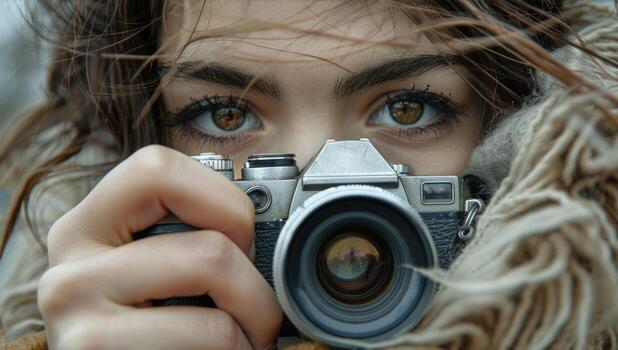
Lifestyle photography: woman with camera, looking through viewfinder, creative or professional mood, soft lighting, editorial or aspirational style.
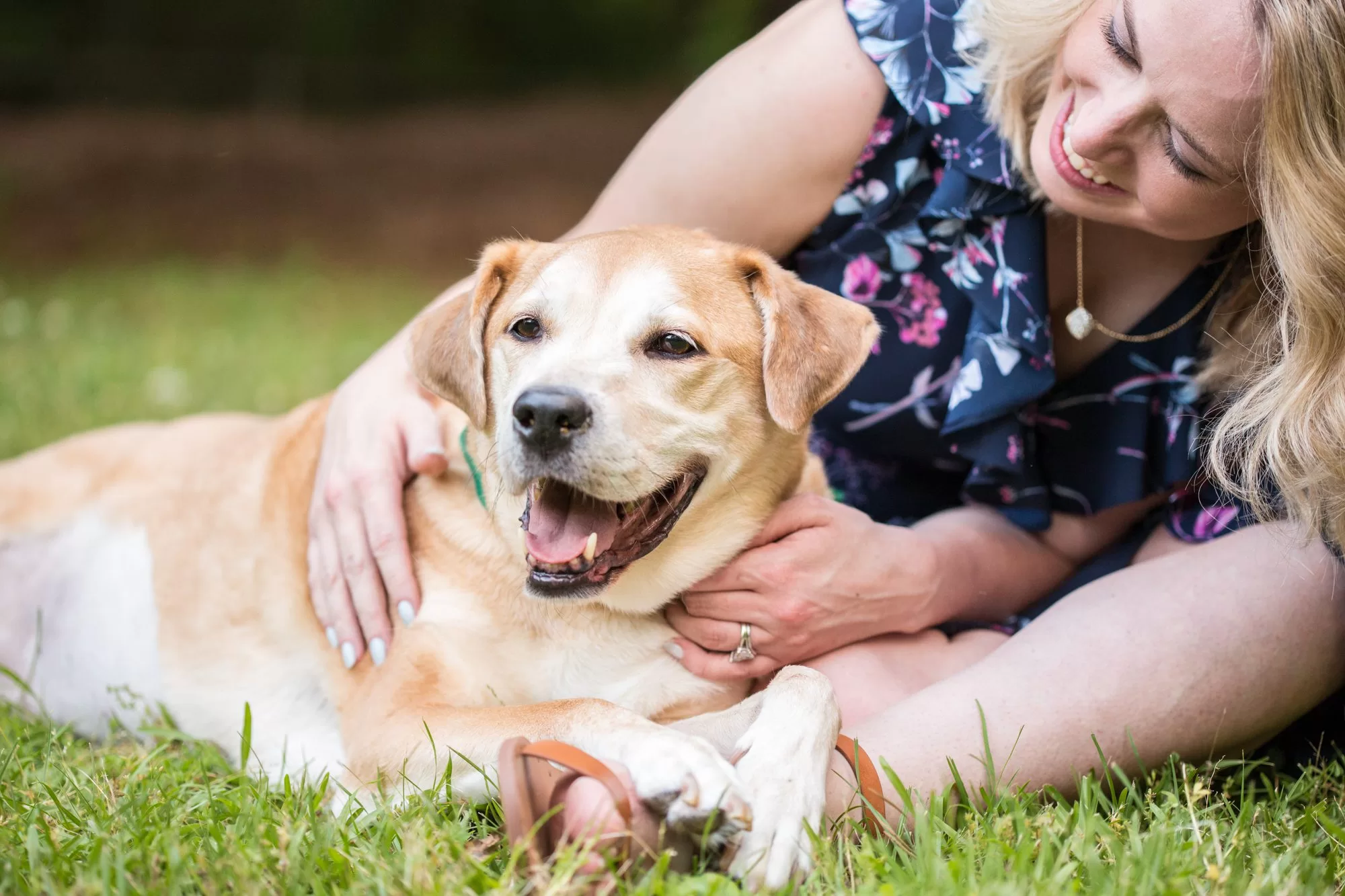
Professional portfolio imagery: polished aesthetic, balanced composition, suitable for creative or business use, high-quality presentation.
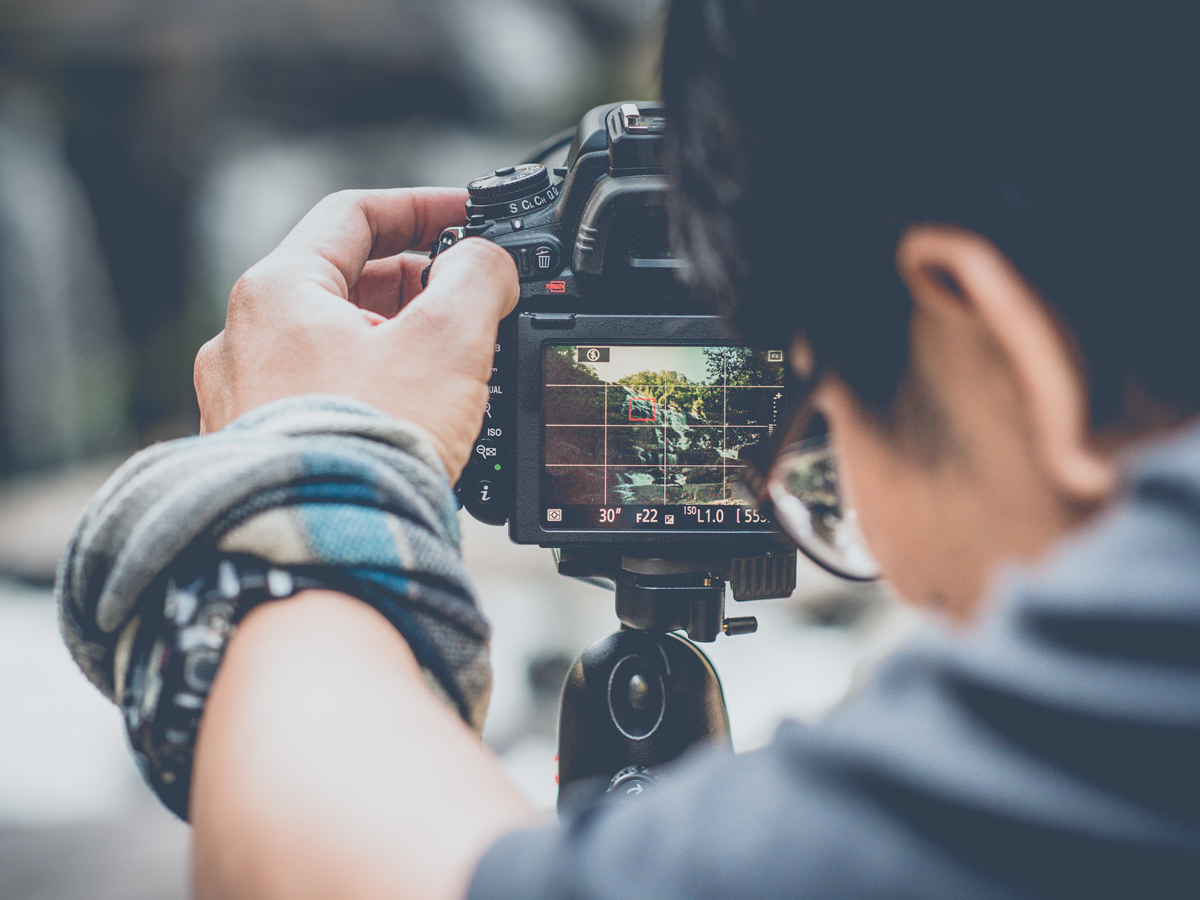
Educational or tutorial imagery: photography-related scene, clear and instructive mood, professional quality, suitable for how-to or guide content.
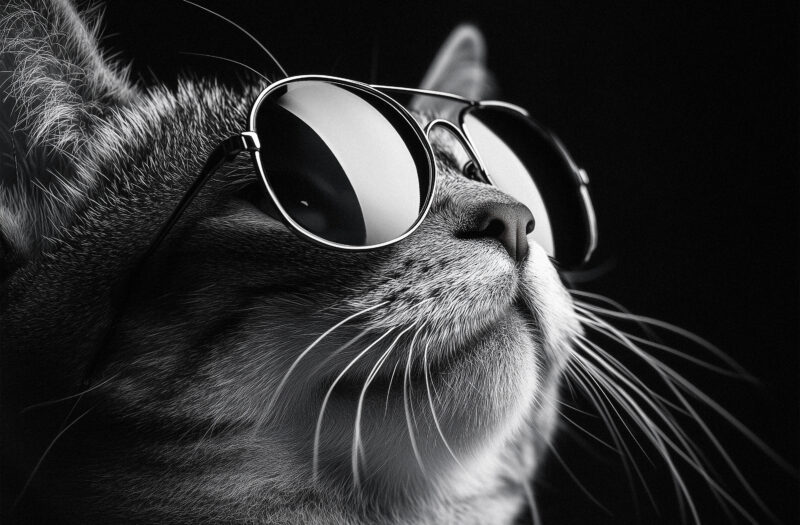
Pet photography: cat portrait, character and personality, natural or studio lighting, lifestyle or editorial mood, animal photography emphasis.
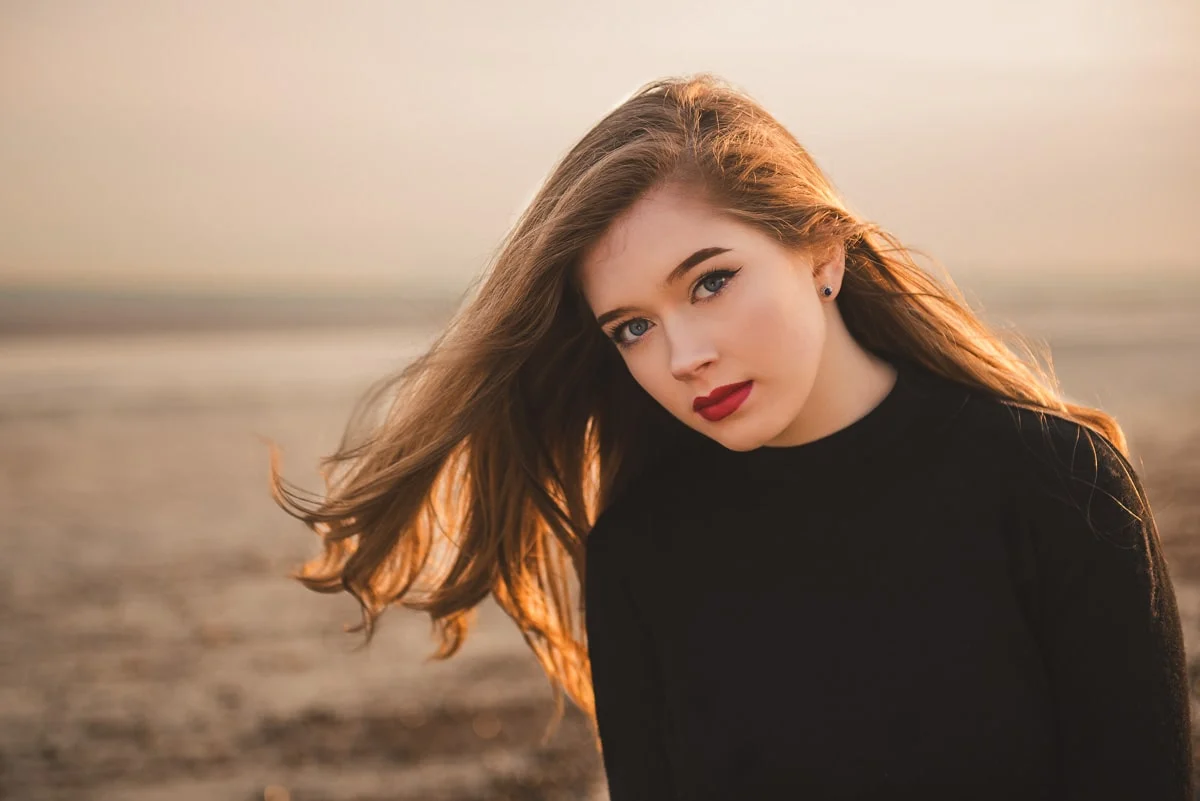
Fashion editorial portrait: posed figures, natural or studio lighting, contemporary style, clean background, editorial composition, lifestyle magazine aesthetic.
Use Cases
Have a reference? Get a Gemini prompt from it, paste in Gemini, get new images or chat.
Product or thumbnail → Gemini prompt fast. Reuse in Gemini for captions or concepts.
Screenshot or moodboard → text brief → paste as a Gemini prompt for ideas.
One image, one Gemini prompt. Team shares the same prompt in Gemini.
Start a Gemini conversation with the generated prompt, then refine or extend.
See how we describe your image, then use that Gemini prompt in Gemini.
We write the Gemini prompt. You paste it in and adjust if needed.
Upload a photo and get a Gemini prompt. No prompt-writing experience required.
Works in the browser. Upload, generate, copy. Chrome extension for tab capture.
No signup to try. Upgrade for more generations or saved Gemini prompts.
Same pricing as the main image-to-prompt tool. Save when you pay yearly; switch plans from your profile. Showing USD pricing for your region.
$0.00/mo
Billed monthly in USD
For hobby projects and trying out
$20.00/mo
Billed monthly in USD
For serious creators and teams
We have a top-up credits feature for one-time add-ons whenever you need extra prompts.
Yes. You can get a Gemini prompt from your image without an account. Paid plans add more generations and saved prompts.
Copy the text we generate and paste it into Google Gemini. Use it for image prompts, chat, or as a description.
Same tool. This page is for people searching for a Gemini prompt from an image. You still get text from your photo; you choose where to paste it.
No. We use it only to create the Gemini prompt. Saved prompts are in your account; you can delete them.
JPG, PNG, WebP. Clear images give better Gemini prompts.
Not for our tool. You need one when you paste the Gemini prompt into Gemini.
Yes. Use the site in your mobile browser. Extension is for desktop.
Annual is less expensive. Same features. Update or cancel in your profile.
Guide
How to get a Gemini prompt when you have an image. Upload, generate, paste into Gemini.
A Gemini prompt from an image is text that describes your picture so you can paste it into Google Gemini. You upload the image here; we write the description. Then you use that as your Gemini prompt for images, chat, or briefs.
If you have a photo but need words for Gemini, this tool turns the image into a Gemini prompt.
Writing a full description by hand takes time. We read the image and output a Gemini prompt so you can paste it into Gemini. Teams can use one image and one Gemini prompt so everyone’s consistent.
You can edit the Gemini prompt before pasting. We provide the draft; you own the final version.
Upload your image on this page, click generate, then copy the text. That’s your Gemini prompt. Paste it into Gemini. Edit first if you want—add style or context. Save prompts you’ll use again.
Open Gemini, paste the Gemini prompt, and send. Use it to request images, discuss the scene, or continue the conversation. You can change the text in Gemini too.
Anyone using Google Gemini who has a reference image: creators, marketers, designers. If you search 'Gemini prompt' and you have a photo, this tool gives you the text to paste in Gemini.
Trust
We use them only to generate the prompt. Delete saved prompts anytime.
HTTPS and normal login. Your data stays protected.
Most prompts ready in seconds.
Reviews
Uploaded a moodboard, got a clean prompt in seconds. The image to prompt converter nailed the lighting and composition details. No more staring at reference images wondering how to phrase it.
I use this for ecommerce visuals. Clean product photo in, structured prompt out. Paste into DALL·E or Leonardo and tweak. Consistent briefs across our team now.
Tried without signing up—worked perfectly. Then signed in to save prompts. Chrome extension is great for grabbing refs from design tabs. Five stars.
Other tools overcomplicate. This one: upload, generate, copy. Prompt quality is solid. I edit a few words before pasting into ChatGPT. Does exactly what it says.
Feed it a character or environment sketch, get a prompt I can refine for Stable Diffusion. Saves so much time compared to writing from scratch.
Used it from my phone—upload from gallery, generate, copy. No account needed to try. Exactly what I needed for quick social content prompts.
Clear images give clear prompts. Fast, no weird outputs. Use it daily for design briefs. The free image to prompt converter is genuinely useful.
Paste the prompt into any AI. Works with Gemini, ChatGPT, Midjourney. One tool, many destinations. Saves prompts to my account for repeat use.
No fluff, no jargon. The converter describes what it sees—subject, style, mood. I add brand terms and paste. My go-to for image-to-text prompts.
Uploaded a moodboard, got a clean prompt in seconds. The image to prompt converter nailed the lighting and composition details. No more staring at reference images wondering how to phrase it.
I use this for ecommerce visuals. Clean product photo in, structured prompt out. Paste into DALL·E or Leonardo and tweak. Consistent briefs across our team now.
Tried without signing up—worked perfectly. Then signed in to save prompts. Chrome extension is great for grabbing refs from design tabs. Five stars.
Other tools overcomplicate. This one: upload, generate, copy. Prompt quality is solid. I edit a few words before pasting into ChatGPT. Does exactly what it says.
Feed it a character or environment sketch, get a prompt I can refine for Stable Diffusion. Saves so much time compared to writing from scratch.
Used it from my phone—upload from gallery, generate, copy. No account needed to try. Exactly what I needed for quick social content prompts.
Clear images give clear prompts. Fast, no weird outputs. Use it daily for design briefs. The free image to prompt converter is genuinely useful.
Paste the prompt into any AI. Works with Gemini, ChatGPT, Midjourney. One tool, many destinations. Saves prompts to my account for repeat use.
No fluff, no jargon. The converter describes what it sees—subject, style, mood. I add brand terms and paste. My go-to for image-to-text prompts.