Add images to start a batch
Up to 30 images per batch. Max file size 15MB each. No additional option credits selected.
Upload multiple images, generate prompts in one run, then copy or export all results.
Add images to start a batch
Up to 30 images per batch. Max file size 15MB each. No additional option credits selected.
0Total
0Done
0Running
0Failed
0Skipped
Add images to start bulk prompt generation.
Bulk workflow
This page is designed for teams that need to convert multiple images into prompts in one repeatable process.
Upload multiple images in one go and review file size, count, and queue status before you run generation.
Generate prompts for every queued image with a single action, then track done, failed, and skipped states in real time.
Copy individual prompts, copy all prompts, or export a CSV so your team can reuse prompts in ChatGPT, Midjourney, and Gemini.
How to use
Follow this process to generate, review, and export prompts for large image sets.
Upload up to 30 images in one batch. Keep each image below 15MB for stable processing.
Choose one output format and one target language for all images when you need consistent prompt structure.
Start generation once and let the queue process each image. Failed rows stay visible so you can retry specific files.
Copy individual prompts for quick use or export a CSV to hand off prompts to content, design, or ad teams.
Features
Convert multiple images to prompts in one workflow instead of repeating the same single-image process.
See queue state for each file: queued, generating, done, failed, or skipped.
Generate prompts in structured, graphic design, or JSON format for different production pipelines.
Translate generated prompts into Hindi, Spanish, French, German, or Japanese when campaigns run across regions.
Download file name, request ID, prompt output, and error notes in CSV for documentation and QA.
The interface shows usage feedback during runs so teams can manage quota before large production batches.
Examples

Generate a clean ecommerce product prompt with front angle framing, accurate material texture, neutral backdrop, and conversion-focused visual hierarchy for marketplace listings.
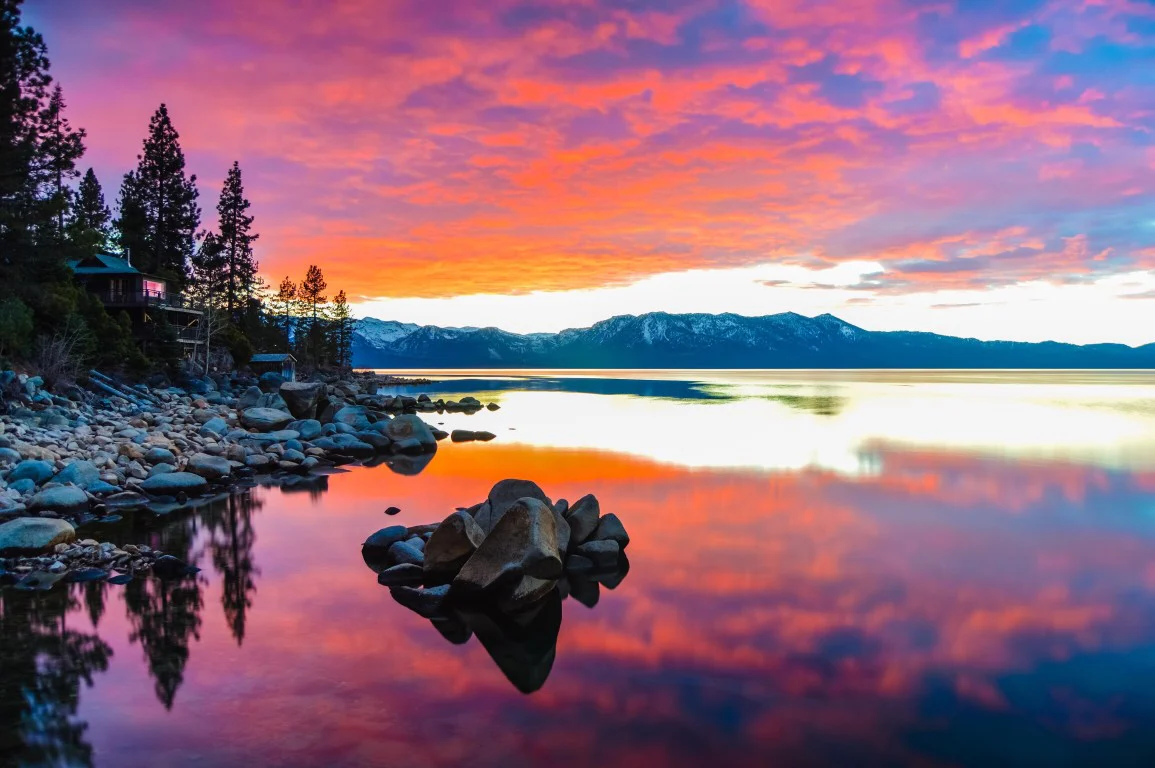
Generate a travel scene prompt that preserves location depth, natural light direction, season mood, and foreground-to-background composition for editorial tourism content.

Generate a portrait prompt with accurate facial detail, natural skin texture, realistic background separation, and editorial-ready framing for social and campaign assets.
Use cases
Generate prompt-ready descriptions for large product image sets used in marketplace and D2C listings.
Convert campaign moodboards and reference boards into reusable prompts for concept iteration.
Process weekly content banks in one run and ship platform-ready prompt libraries faster.
Turn photo sets into structured prompt notes for editing direction, style matching, and client revisions.
Create source prompts once and translate output for multilingual campaigns without redoing analysis.
Export prompt results to CSV and feed downstream automation or prompt management pipelines.
Benefits
Replace repetitive single-image processing with a repeatable batch workflow.
Apply one format and one language policy across an entire batch for cleaner outputs.
Use copy-all and CSV export to reduce time spent moving prompt text between tools.
Request IDs, status, and exports make review and QA easier for distributed teams.
Run recurring bulk prompt generation for product launches, seasonal catalogs, and campaign bursts.
Track batch progress and errors at a glance without opening separate logs.
Choose a plan based on monthly volume, then run batch workflows without changing your process.
Starter access
Best for testing small batches and validating output style.
Higher monthly quota
Best for active teams running bulk image to prompt jobs every week.
For heavy operations
Best for high-volume catalogs, campaign operations, and agency pipelines.
FAQs
Clear answers for setup, limits, export, and team workflows.
The bulk page accepts up to 30 images in one batch. You can run multiple batches back to back.
Each image can be up to 15MB. If a file is larger, it is skipped before the run starts.
Yes. Use Export CSV to download file name, status, request ID, prompt output, and error notes.
Yes. Failed rows stay in the list so you can regenerate only the files that need another attempt.
Yes. You can apply one target language to the full batch or translate prompts per item after generation.
Bulk mode supports Structured Prompt, Graphic Design, and JSON output formats.
Yes. Bulk mode is built for repeating workflows such as product catalogs, ad creatives, and social asset banks.
Open the Pricing and Billing pages to see active plan details, quota, and upgrade options.
Guide
Use this guide to set up a reliable bulk prompt process and improve output quality across repeated batches.
A bulk image to prompt converter analyzes multiple images and produces text prompts in one queue. It is useful when teams need consistent prompt output across large image sets.
Instead of repeating one-image workflows, bulk conversion keeps naming, formatting, and export steps in one place.
Use clear, high-resolution source images and group similar visual categories in the same run. This improves consistency in generated language and style.
Choose one prompt format for the whole batch when outputs are meant for the same downstream tool or team.
Agencies and in-house teams often run weekly image batches for product launches, paid campaigns, and social calendars.
CSV export makes it easier to route prompt output to reviewers, editors, and production teams without manual copy work.
Use single image mode when you need deep iteration on one asset. Use bulk mode when you need speed, consistency, and organized exports across many assets.
Most teams combine both: bulk for first-pass prompt generation, then single mode for final refinements on top performers.
Reliability
The workflow is optimized for recurring batches, not one-off demos.
Every file shows a clear status so teams can quickly identify completed and failed items.
CSV output keeps prompt generation auditable and usable in production workflows.
Reviews
We process product launches in batches. Bulk mode removed repetitive manual prompt writing and made handoff cleaner.
The export fields are straightforward. Our reviewers can validate prompts quickly and send edits back without extra tooling.
We run image sets weekly for ads. Bulk generation with one format setting keeps output consistent across channels.