



0K+
Prompts Perfected
Join a global community of creators. From viral social posts to professional design briefs, our Image to Prompt AI has fueled a quarter-million creative ideas.
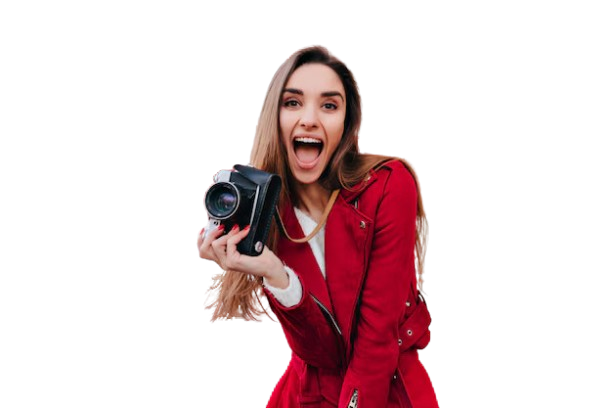
Free image prompt generator: upload a photo, get a text prompt. Paste it into ChatGPT, Midjourney, Gemini, or any AI. No signup to try.
Fast, simple and100% Free to start
Drop an image and the image prompt generator turns it into text. Use the prompt in any AI—ChatGPT, Gemini, Midjourney, DALL·E, and more.
Restoring session...
or drag & drop PNG, JPG, or WEBP
No image?Try one of these:
By uploading an image or URL you agree to our Terms of Service. To learn more about how remove.bg handles your personal data, check our Privacy Policy.
0K+
Prompts Perfected
Join a global community of creators. From viral social posts to professional design briefs, our Image to Prompt AI has fueled a quarter-million creative ideas.
0K+
Images Transformed
We have read everything from complex architectural mockups to simple product shots. Our engine specializes in generating the most accurate Google Gemini AI Photo Prompts available today.
0+
AI Models Supported
Generate once, use everywhere. Your prompts are instantly compatible with ChatGPT, Gemini, Grok, Leonardo, Midjourney, and more. One tool, infinite destinations.
How It Works
Add an image, press generate, then copy or save the prompt. Your plan and credits appear above. Saved prompts stay in your account.
Bring Your Inspiration to Life. Drag and drop your files or pick a photo from your gallery. We support JPG, PNG, and WebP. For the best results, use clear images with good lighting—the more detail our AI can see, the better your Gemini AI Photo Prompt will be.
Let the AI Do the Heavy Lifting. Click once and watch the magic happen. Our advanced AI Image Prompt Generator deep-scans your image to identify subjects, lighting styles, artistic moods, and camera angles. You can even edit the text before you finalize it to add your personal "soul" to the prompt.
Ready for ChatGPT, Gemini, & More. One click to copy your prompt to your clipboard and paste it into your favorite AI tool. Want to keep a library of your best work? Log in to save your prompts for future use, so you never have to regenerate the same style twice.
Features
Describes what’s in the photo—subject, light, style. You can edit the text before copying.
Standard formats. No special setup.
Most images get a prompt in seconds.
One-click copy. Sign in to save prompts from the image prompt generator.
Used only to generate the prompt. You can delete saved prompts anytime.
One login. Same saved prompts on the site and the extension.
Example Results
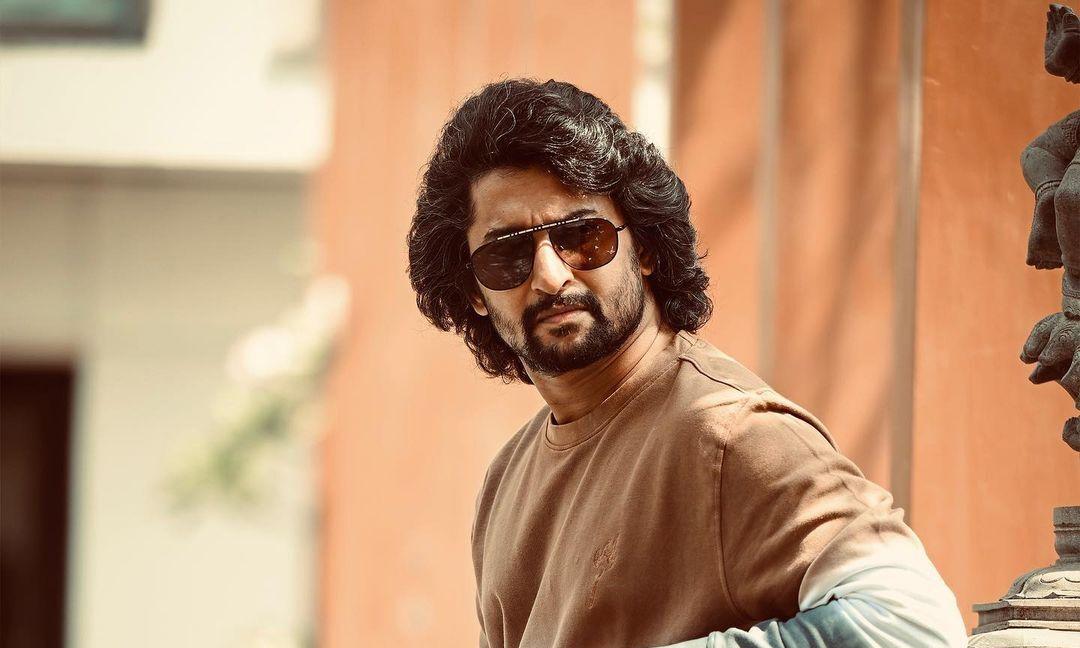
Emotional portrait: expressive face, soft lighting, intimate mood, shallow depth of field, editorial or documentary style, human connection emphasis.
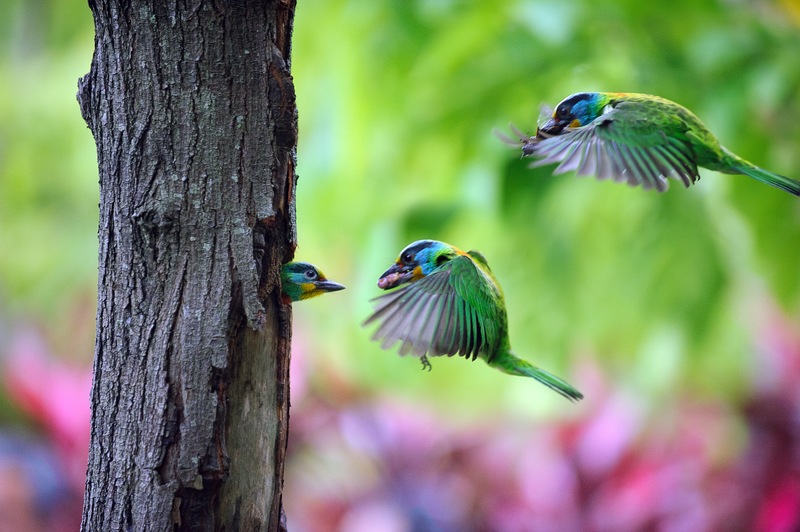
Travel photography: scenic vista, vibrant or moody atmosphere, sense of place, editorial composition, wanderlust mood, destination-style imagery.
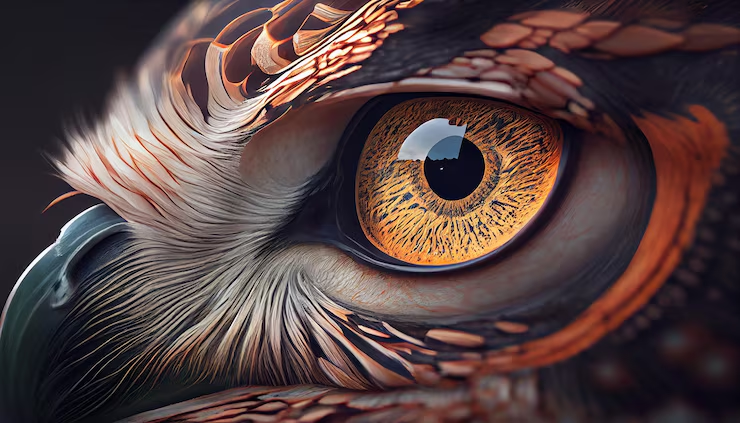
Wildlife macro: animal eye in extreme close-up, natural lighting, textured detail, nature documentary style, shallow depth of field, intimate wildlife moment.
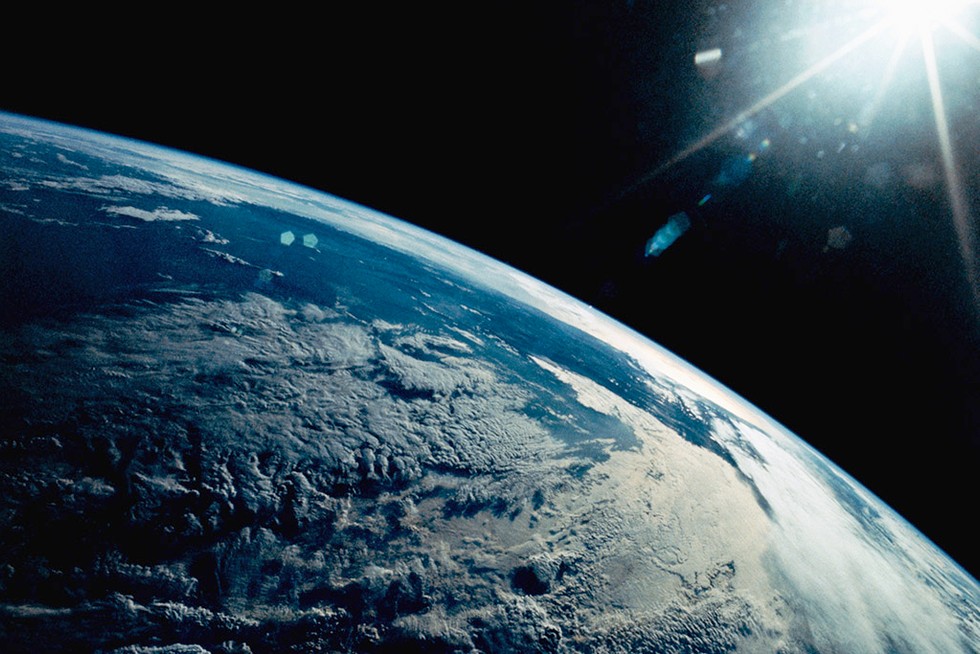
Planetary view: Earth from space, curvature visible, clouds and oceans, cinematic scale, blue and white palette, science documentary or NASA-style imagery.
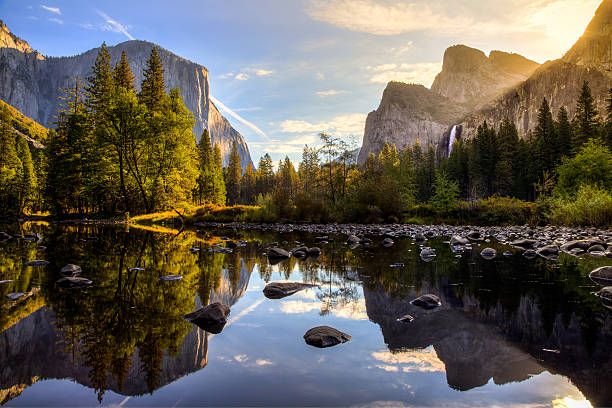
Abstract or conceptual scene: layered composition, atmospheric depth, artistic mood, possible 3D or collage elements, editorial or fine-art style.
Use Cases
Reference image → image prompt generator → text prompt → paste in Midjourney or DALL·E for variations.
UI or moodboard screenshot → generate prompt → use the text in ChatGPT or another AI for concepts.
Product shot or thumbnail → prompt in seconds. Reuse for captions, briefs, or more AI images.
Environment or character art in → prompt out. Tweak for Stable Diffusion, Leonardo, or similar.
Have an image, need words? Use the image prompt generator, then paste the prompt into ChatGPT or Gemini.
Product and brand images → consistent prompts. Same wording across campaigns.
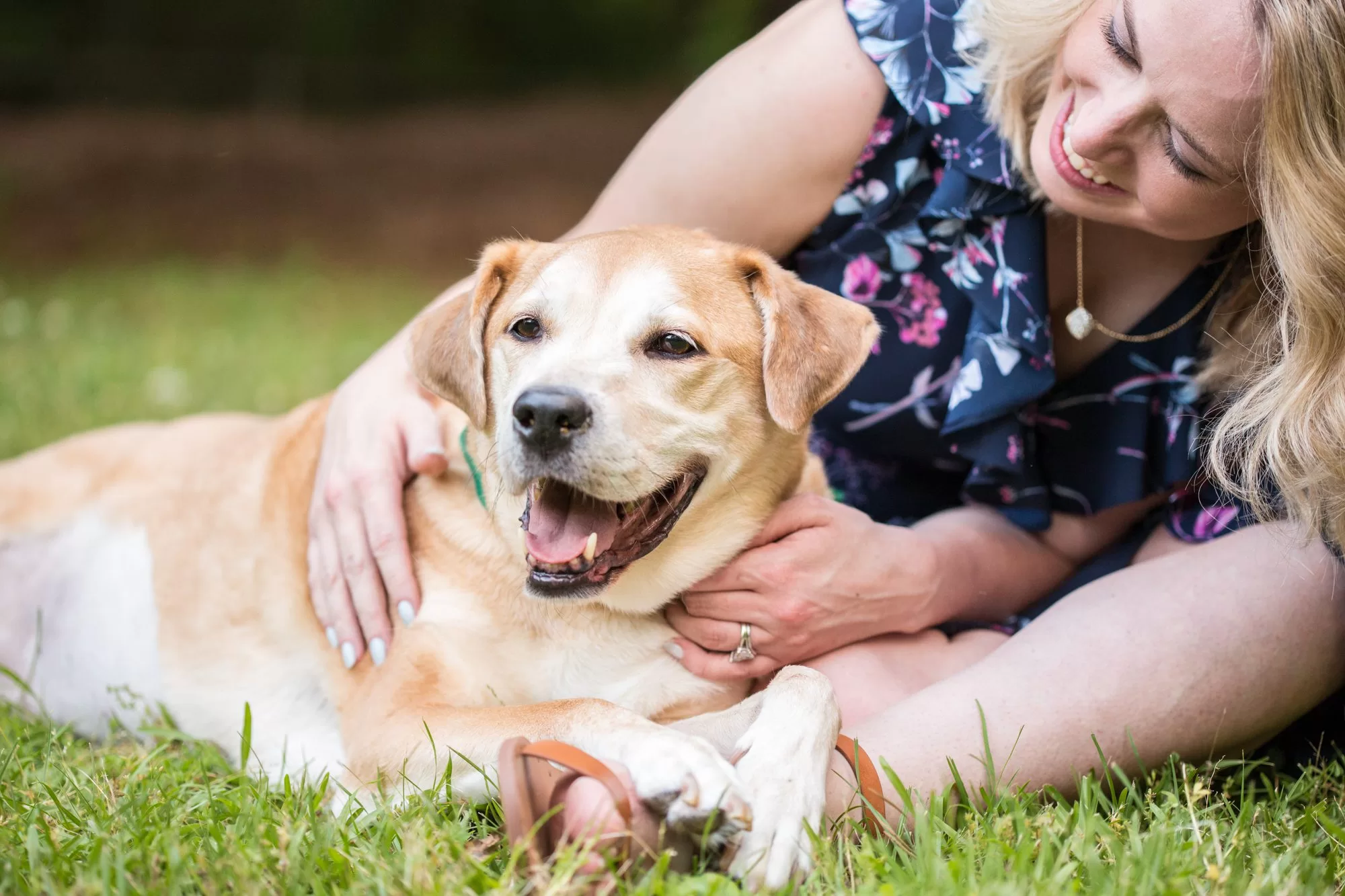
The image prompt generator does the describing. You edit and paste where you need it.
Upload a photo and get a usable prompt. Tweak the text when you want more control.
Use the image prompt generator in the browser. Upload, generate, copy. Optional extension for tab capture.
Try the image prompt generator without signup. Upgrade for more generations or saved prompts.
Simple pricing for the image prompt generator. Save when you pay yearly; switch plans from your profile. Showing USD pricing for your region.
$0.00/mo
Billed monthly in USD
For hobby projects and trying out
$20.00/mo
Billed monthly in USD
For serious creators and teams
We have a top-up credits feature for one-time add-ons whenever you need extra prompts.
Yes. You can use the free image prompt generator without signing up. Paid plans give more generations and saved prompts.
Copy the prompt from the image prompt generator and paste it into Midjourney’s /imagine or DALL·E’s prompt field. Add style words if you want. You can edit before pasting.
Any tool that takes text: ChatGPT, Midjourney, DALL·E, Gemini, Stable Diffusion, Leonardo, Runway. Plain language.
No. We use them only to generate the prompt. Saved prompts are in your account; you can delete them.
JPG, PNG, WebP. Large files may be resized. Clear images give better prompts.
Depends on the image. Clear subject and good light usually help. You can edit the text before copying.
No for the free tier. Sign in to save prompts, get higher limits, and use the Chrome extension.
Yes. Use the image prompt generator in your mobile browser. Extension is for desktop.
Annual is cheaper. Same features. Change or cancel in your profile.
Guide
What an image prompt generator does and how to use it. Upload a photo, get a prompt, paste it anywhere.
An image prompt generator turns a picture into a text prompt. You upload an image; it gives you a description you can paste into ChatGPT, Midjourney, DALL·E, Gemini, or any AI. No need to write the description yourself.
A good image prompt generator turns what you see—subject, lighting, style—into clear text so your first try is usable.
Lots of people have a reference image but find it hard to put it into words. An image prompt generator reads the image and writes the prompt. Teams can use one image and one generated prompt so everyone’s on the same page.
You still edit the prompt if you want. The image prompt generator gives you a draft; you keep control.
Pick a clear image—product shot, screenshot, or reference. Upload it here, click generate, then copy the text. Edit the prompt if you like before pasting into Midjourney, ChatGPT, or elsewhere. Save prompts you reuse.
Strong prompts usually include: what’s in the scene, style (e.g. cinematic, flat lay), lighting, and mood. An image prompt generator drafts that from your image. You can add or remove detail (e.g. 'oil painting,' 'wide angle') after.
If the result feels generic, try a clearer source image or add a line of your own. The image prompt generator gives a solid start; you choose the final wording.
Writing prompts from scratch is flexible but slow. An image prompt generator gives you a starting prompt in seconds so you spend time editing, not typing from zero.
Common pattern: use the image prompt generator for the first draft, then adjust for brand, campaign, or audience.
We use your image only to generate the prompt. We don’t keep the image. Saved prompts live in your account; you can delete them. We use HTTPS and aim for fast loading and generation.
For details, see our privacy policy. Short version: images aren’t stored long-term; you own your prompts.
Anyone who needs a text prompt from an image: AI artists, designers, content creators, marketers, concept artists. If you often have a reference and need a prompt for Midjourney, ChatGPT, or another tool, an image prompt generator does that step.
Also useful when several people need the same visual brief. One image, one generated prompt, same language.
Trust
We use them only to generate the prompt. Saved prompts are in your account; you can delete them anytime.
HTTPS, normal login, and stable sessions so your data stays protected.
Most prompts ready in seconds. No long waits so you can keep working.
Reviews
Uploaded a moodboard, got a clean prompt in seconds. The image to prompt converter nailed the lighting and composition details. No more staring at reference images wondering how to phrase it.
I use this for ecommerce visuals. Clean product photo in, structured prompt out. Paste into DALL·E or Leonardo and tweak. Consistent briefs across our team now.
Tried without signing up—worked perfectly. Then signed in to save prompts. Chrome extension is great for grabbing refs from design tabs. Five stars.
Other tools overcomplicate. This one: upload, generate, copy. Prompt quality is solid. I edit a few words before pasting into ChatGPT. Does exactly what it says.
Feed it a character or environment sketch, get a prompt I can refine for Stable Diffusion. Saves so much time compared to writing from scratch.
Used it from my phone—upload from gallery, generate, copy. No account needed to try. Exactly what I needed for quick social content prompts.
Clear images give clear prompts. Fast, no weird outputs. Use it daily for design briefs. The free image to prompt converter is genuinely useful.
Paste the prompt into any AI. Works with Gemini, ChatGPT, Midjourney. One tool, many destinations. Saves prompts to my account for repeat use.
No fluff, no jargon. The converter describes what it sees—subject, style, mood. I add brand terms and paste. My go-to for image-to-text prompts.
Uploaded a moodboard, got a clean prompt in seconds. The image to prompt converter nailed the lighting and composition details. No more staring at reference images wondering how to phrase it.
I use this for ecommerce visuals. Clean product photo in, structured prompt out. Paste into DALL·E or Leonardo and tweak. Consistent briefs across our team now.
Tried without signing up—worked perfectly. Then signed in to save prompts. Chrome extension is great for grabbing refs from design tabs. Five stars.
Other tools overcomplicate. This one: upload, generate, copy. Prompt quality is solid. I edit a few words before pasting into ChatGPT. Does exactly what it says.
Feed it a character or environment sketch, get a prompt I can refine for Stable Diffusion. Saves so much time compared to writing from scratch.
Used it from my phone—upload from gallery, generate, copy. No account needed to try. Exactly what I needed for quick social content prompts.
Clear images give clear prompts. Fast, no weird outputs. Use it daily for design briefs. The free image to prompt converter is genuinely useful.
Paste the prompt into any AI. Works with Gemini, ChatGPT, Midjourney. One tool, many destinations. Saves prompts to my account for repeat use.
No fluff, no jargon. The converter describes what it sees—subject, style, mood. I add brand terms and paste. My go-to for image-to-text prompts.